Make accounts private
Use private accounts for children and review who can follow or contact them.
A short, practical check to limit unnecessary access to your information, camera, microphone and location.
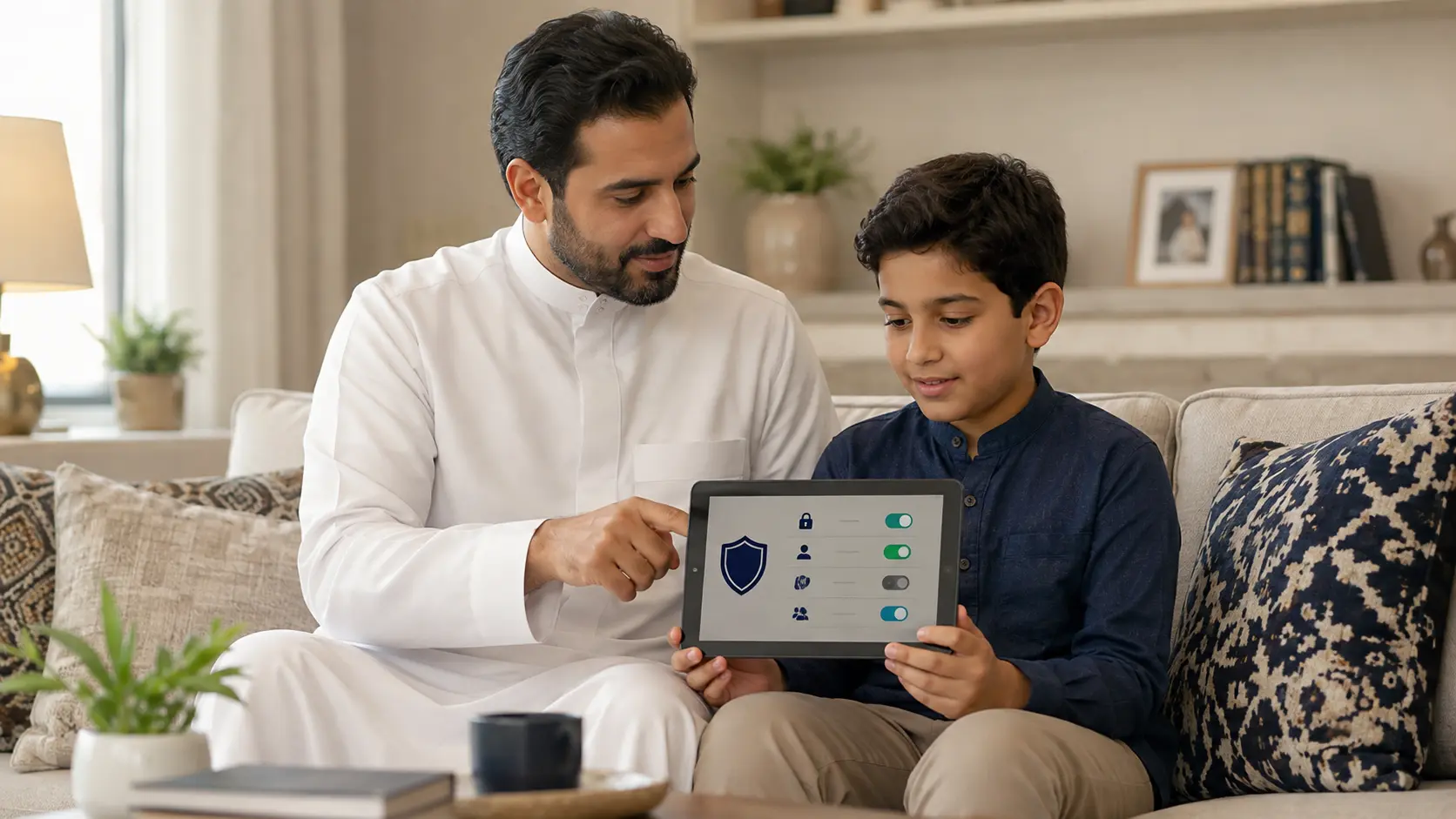
Use these steps as a practical starting point.
Use private accounts for children and review who can follow or contact them.
Restrict messages, comments, mentions and group invitations from unknown people.
Allow camera, microphone, contacts and photos only when the app genuinely needs them.
Share location only for a clear purpose and stop sharing when it is no longer needed.
Privacy settings can change after app updates, so check important accounts once a month.
Educational awareness content. It does not replace emergency, legal or specialist security support.