Use a long, unique password
Do not reuse the same password across accounts. A password manager can help.
Simple actions that reduce the chance of losing an account or giving someone else access.
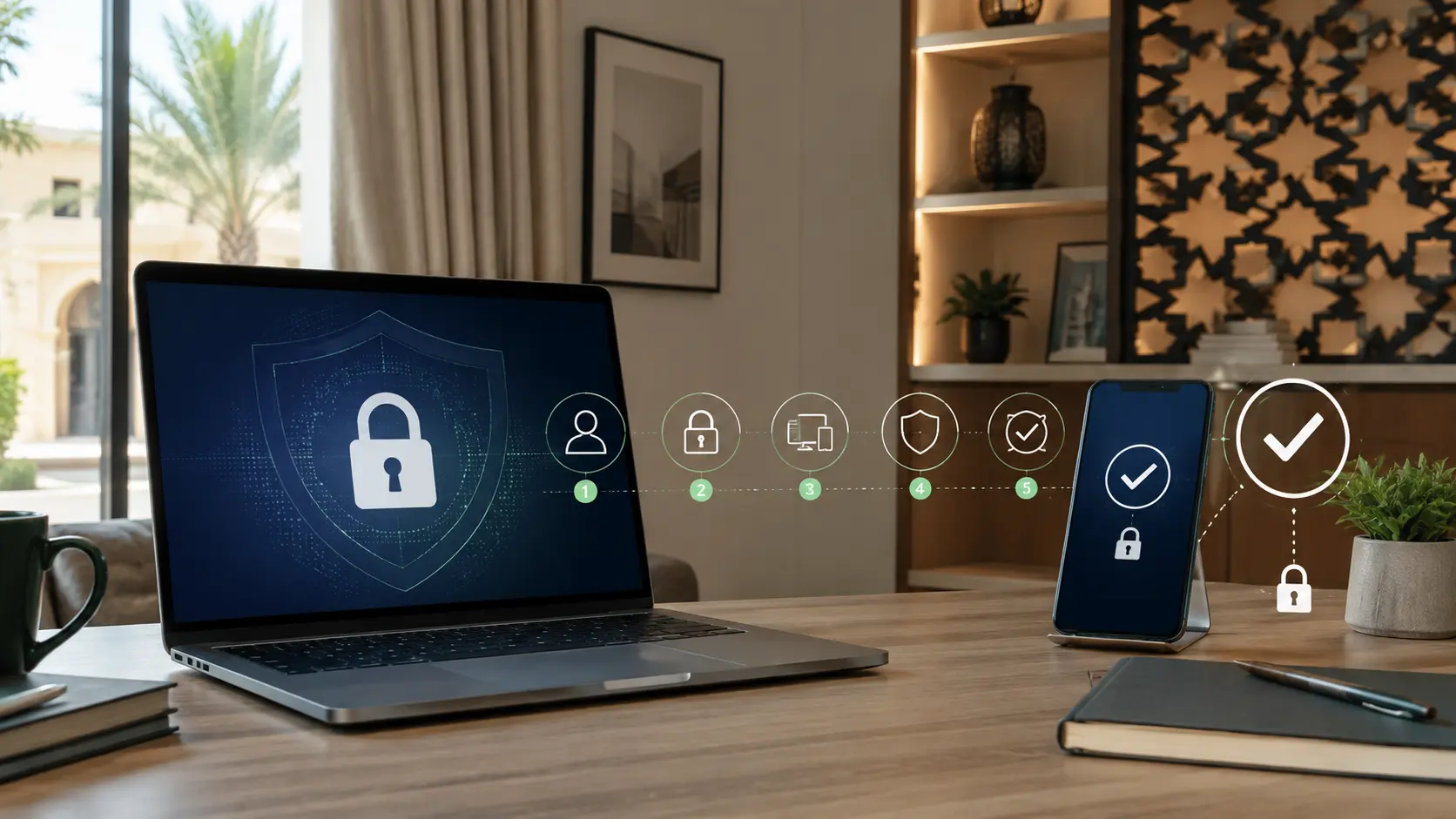
Use these steps as a practical starting point.
Do not reuse the same password across accounts. A password manager can help.
Use an authenticator app when available and never share a verification code.
Sign out devices or locations you do not recognise.
Make sure your recovery email and phone number still belong to you.
Install system and app updates promptly and use trusted download sources.
Educational awareness content. It does not replace emergency, legal or specialist security support.